Rendering Images with Blender and Blue Hive Quick Start
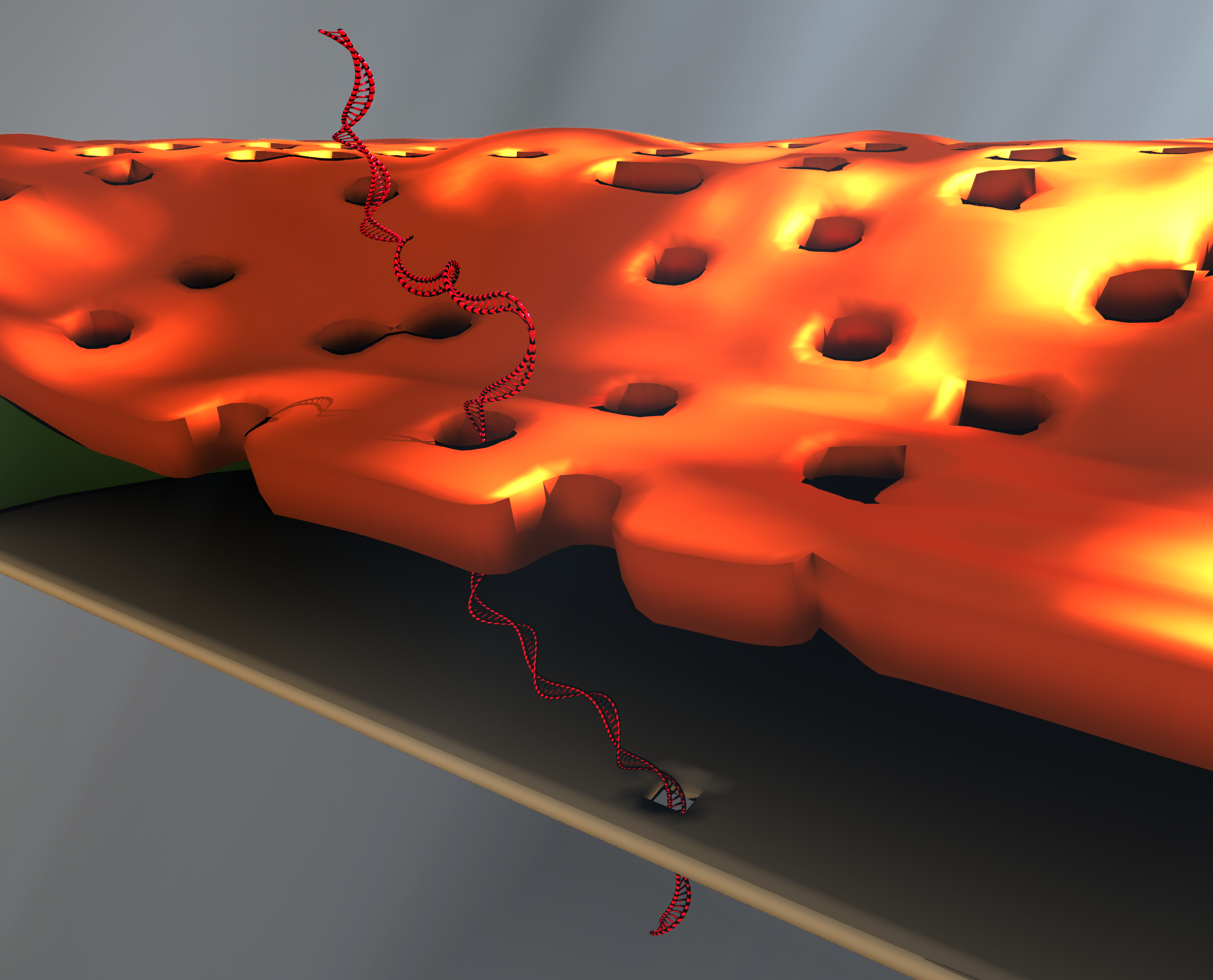
Some of the animation work that I have done (example as above) using Blender has been useful to communicate ideas and generate high quality images for papers. However, it is often time consuming to run them on our own personal laptops. The figures I generated for Kyle’s nanoporous tenting paper could take a day to run each at the desired resolution. We have significant computational resources here at the U of R (at a price), however, it does take some planning to use them. Below are the beginnings to using Blue Hive, an IBM-built computing cluster, for use with Blender software.
Blender has a well known command-line interface that doesn’t require launching a GUI. Once you are happy with your designed models and animations, we can render in very high quality in parallel using the power of Blue Hive. We don’t see much performance increase across an entire frame yet, however, for animations, we can render the frames in parallel, increasing our performance considerably.
We need to be able to use a computing node, not the login node for our renders. Debug nodes are easy to test if your job scripting is working.
Read the wiki: CIRC Wiki
Scheduling Jobs: Slurm Running Jobs
- Get the required accounts/installation
- Sign up for an account with the Center for Integrated Research Computing
- Install the necessary Globus software to transfer your files to your Blue Hive account
- Connect to Blue Hive through command prompt
- In the terminal, Load Blender module
- module load blender/2.79
- blender
- Prepare Job Scripts
- SBATCH used to automate scripts, see above, example job scheduling requires a certain format.
- blender -b URcommunicationsFigure.blend -o frame_0002 -f 1
- This tells blender to render in the background (-b) URcommunicationsFigure.blend, outputting a file into the current directory, named frame_0002, rendering the first frame.
- SBATCH used to automate scripts, see above, example job scheduling requires a certain format.
As an example, I ran a model from Kyle’s paper in the background, using the terminal in MacOSX on my own computer. The instructions are similar for interfacing with Blue Hive.