Importing Gasket Geometries to Silhouette from Sketchup
We currently use Adobe Illustrator to design silicone gasket geometries for our microfluidic devices. Here is a quick way to do a similar thing from sketchup. The advantage of this procedure is that you can create a complete 3d model of your device and export different snapshots to the 3d printer for bulk fabrication and a different snapshot to the gasket cutting software (Silhouette) and have it all be consistent. Silhouette has an integrated trace feature that allows you to import JPG, PNG, or TIFF images, and turn the images into cuts. All we need is a decent representation of the gaskets from sketchup:
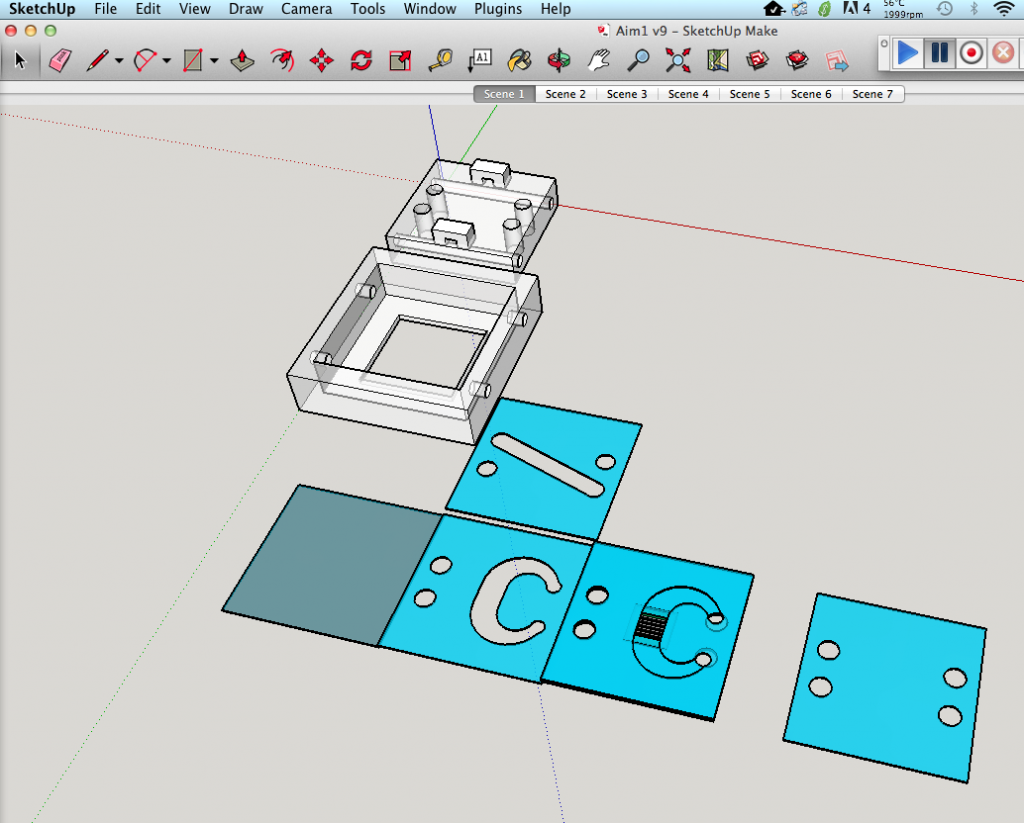
Sketchup has a way to export 2d graphics of your model, so we will be able to use the ‘same’ gaskets (approximated through trace) as drawn without going through another piece of software.


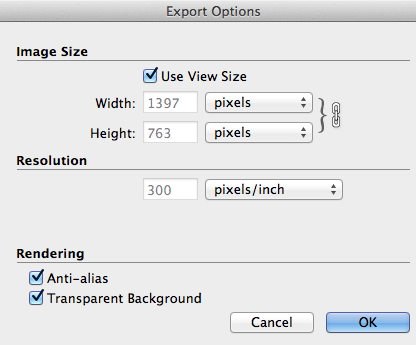
I changed the color of the gaskets to help the tracing software find edges without getting confused. Under the export options, we can choose the file format and the individual resolution of our images. Higher resolution images = higher image fidelity. Transparent backgrounds prevent the background area from being incorporated as part of the image later on (tracing error).
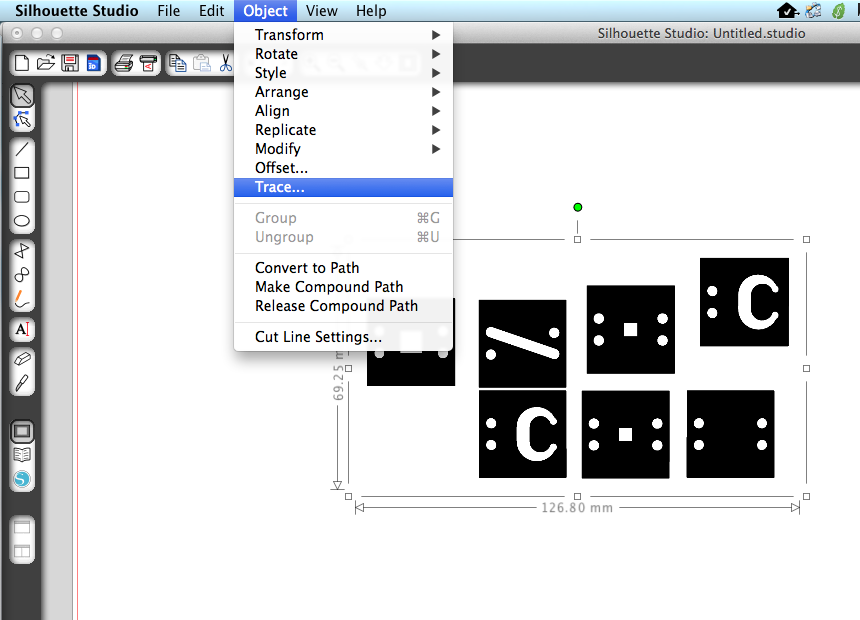
Now that we have an image, we can import the gaskets into the Silhouette software:


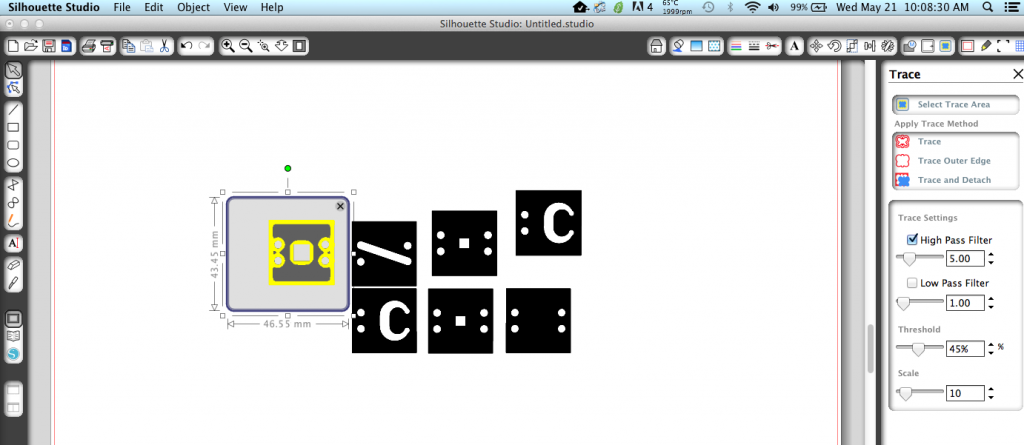


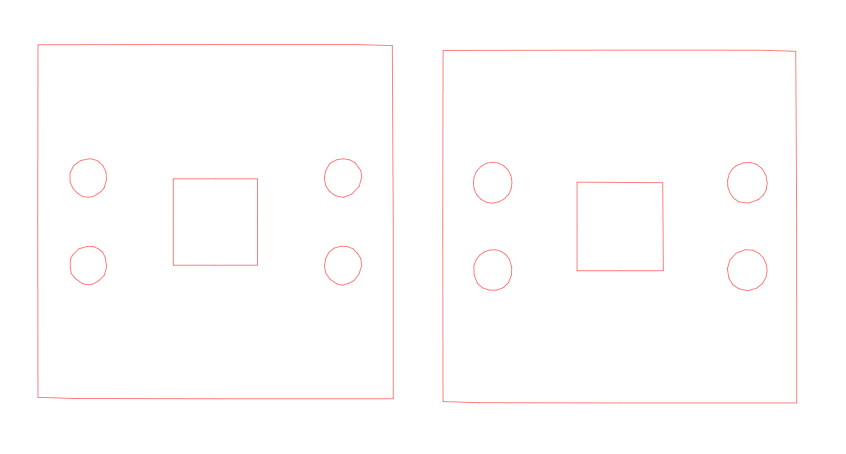
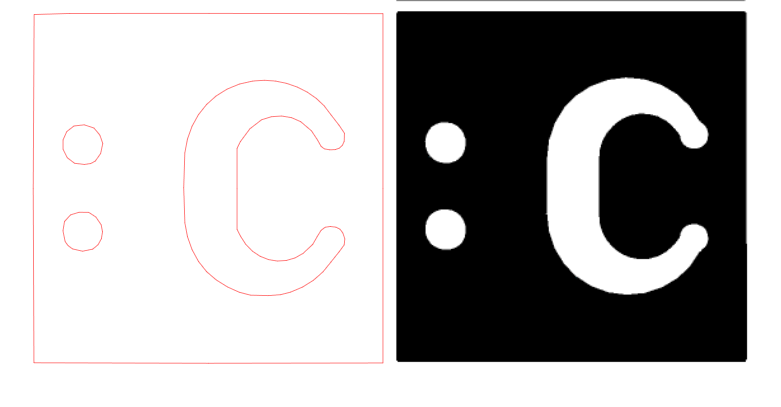
With this capability, I was able to create a dual channel device from a sketchup model:


